Wenn es mal hakt.
When things get stuck.
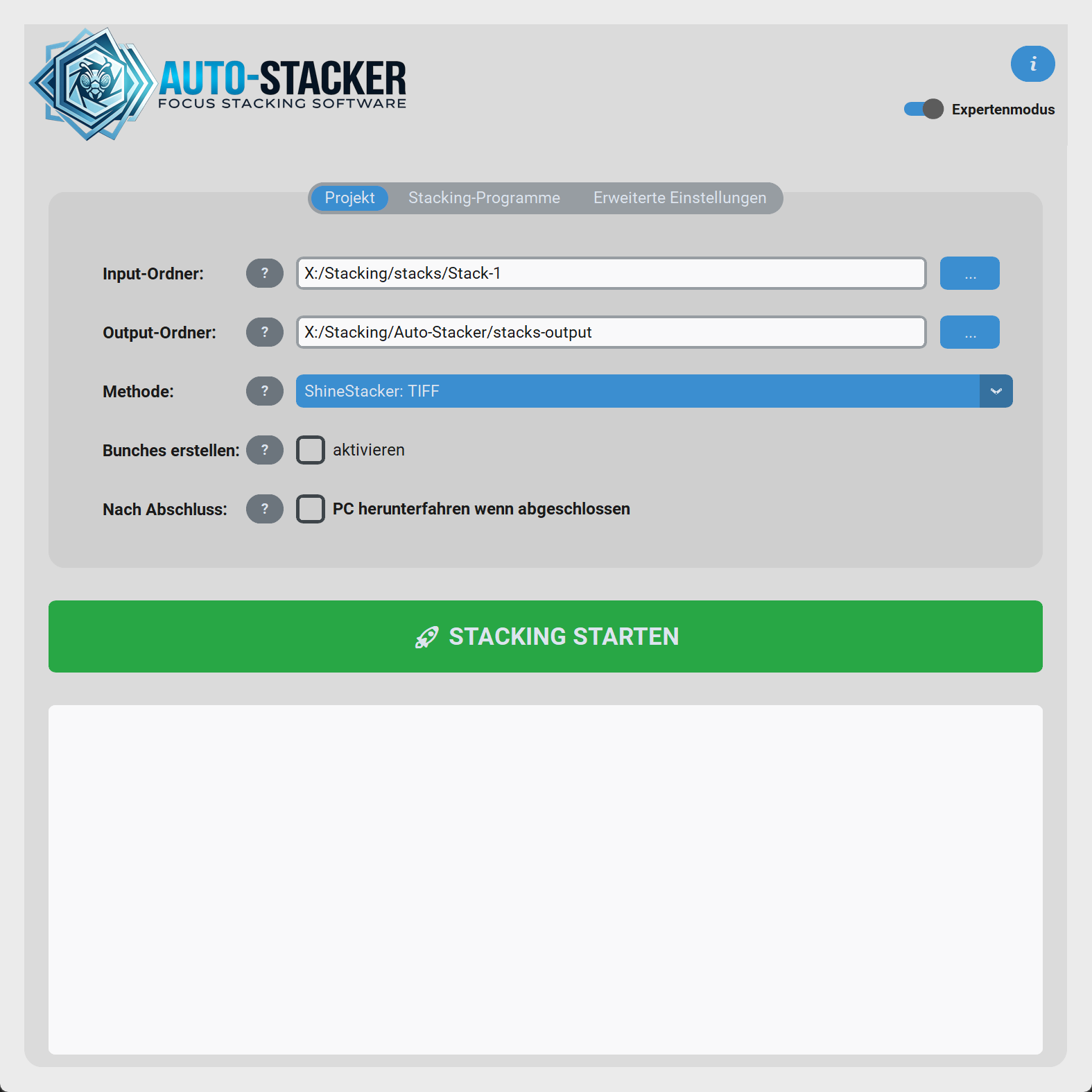
Die meisten Fehler lassen sich schnell beheben. Der schwarze Log-Bereich unten in der GUI ist dein wichtigster Anhaltspunkt. Schau hier nach, woran dein Lauf gescheitert ist.
Most errors can be resolved quickly. The black log area at the bottom of the GUI is your most important clue. Check here to find out why your run failed.
Häufige FehlerbilderCommon Errors
| SymptomSymptom | Wahrscheinliche UrsacheProbable Cause | LösungSolution |
|---|---|---|
| Probleme bei InstallationInstallation problems | macOS blockiert die App wegen Gatekeeper oder Quarantäne.macOS blocks the app because of Gatekeeper or quarantine. | DMG öffnen, Auto-Stacker nach Programme ziehen und im Terminal ausführen: xattr -cr /Applications/Auto-Stacker.app. Falls beim ersten Start noch eine Warnung erscheint: Rechtsklick auf die App → Öffnen.Open the DMG, drag Auto-Stacker into Applications, then run this in Terminal: xattr -cr /Applications/Auto-Stacker.app. If a warning still appears on first launch: right-click the app and choose Open. |
| "Keine Methode verfügbar""No method available" | Keine Engine ist im System gefunden worden oder alle Sichtbarkeits-Haken sind entfernt.No engine was found in the system or all visibility checkboxes have been removed. | Expertenmodus aktivieren → Stacking-Programme → Häkchen bei "anzeigen" setzen oder Shine Stacker installieren.Enable Expert Mode → Stacking Programs → Check the "show" boxes or install Shine Stacker. |
| Methode sagt "(nicht installiert)"Method says "(not installed)" | Du hast Shine Stacker ausgewählt, aber das Modul fehlt.You selected Shine Stacker, but the module is missing. | Klicke im Expertenmodus bei Programme auf Installieren. Auto-Stacker lädt es für dich herunter.Click Install under Programs in the Expert Mode. Auto-Stacker will download it for you. |
| DNG-Methode bricht abDNG Method abruptly stops | Du hast Bilder, die schon .tif oder .jpg sind, aber willst Helicon: DNG nutzen. Der Converter nimmt nur RAWs.You have images that are already .tif or .jpg, but you want to use Helicon: DNG. The converter only takes RAWs. |
Stelle die Methode um auf z.B. Helicon: TIFF oder Shine Stacker: TIFF.Change the method to e.g. Helicon: TIFF or Shine Stacker: TIFF. |
| "Weniger als 2 Bilder...""Less than 2 images..." | Das automatische Trimmen war zu streng und hat fast den kompletten Stack weggeschnitten.The automatic trimming was too strict and cut away almost the entire stack. | Setze die Trim Schwelle in den Erweiterten Einstellungen von 0.10 auf z.B. 0.00 hinab (Trimmen deaktiviert).Lower the Trim Threshold in the Advanced Settings from 0.10 to e.g. 0.00 (Trimming disabled). |
| Falsche ReihenfolgeIncorrect Ordering | Die Bilder haben keine EXIF-Kameradaten (z.B. weil sie schonmal exportiert wurden).The images lack EXIF camera data (e.g. because they were exported before). | Auto-Stacker nimmt als Fallback das Dateidatum. Wenn das auch nicht passt, sortieren sich die Bilder alphabetisch. Stell sicher, dass die Dateinamen chronologisch sind (`img_001.tif`).Auto-Stacker takes the file date as a fallback. If that doesn't match either, the images sort alphabetically. Ensure the filenames are chronological (`img_001.tif`). |
| Stapel werden falsch sortiertStacks are sorted incorrectly | Zeit zwischen den Stapeln möglicherweise falsch eingestellt.Time between stacks might be inappropriately configured. | Unter Erweiterte Einstellungen Zeit zw. Stapeln anpassen.Adjust the Time between Stacks in the Advanced Settings. |
| Probleme bei manchen RAW-DateienIssues with certain RAW files | Spezielle proprietäre Kompressionsalgorithmen (z.B. High Efficiency Star (HE*) bei Nikon) können zu Problemen führen.Special proprietary compression algorithms (e.g., High Efficiency Star (HE*) by Nikon) can lead to issues. | Möglichst mit Lossless Compressed-RAW-Dateien arbeiten oder die RAWs vorher in DNG oder TIFF umwandeln.Preferably work with Losslessly Compressed RAW files, or convert the RAWs to DNG or TIFF beforehand. |
| Probleme bei der Shine Stacker-InstallationShine Stacker Installation Errors | Windows Long Paths ist deaktiviert. Dadurch kann die Installation bei sehr langen temporären Paketpfaden abbrechen.Windows Long Paths is disabled. This can cause the installation to fail when temporary package paths become very long. |
Öffne regedit und gehe zu HKEY_LOCAL_MACHINE\SYSTEM\CurrentControlSet\Control\FileSystem. Setze dort den Wert LongPathsEnabled auf 1 und starte Windows danach neu. Falls der Eintrag fehlt, lege ihn als DWORD-Wert (32-Bit) neu an.
Open regedit and go to HKEY_LOCAL_MACHINE\SYSTEM\CurrentControlSet\Control\FileSystem. Set LongPathsEnabled to 1 and restart Windows afterwards. If the entry does not exist, create it as a DWORD (32-bit) value.
|
| Virenscanner schlägt Alarm (False Positive)Antivirus triggers an alarm (False Positive) | Manche Virenscanner (z.B. Windows Defender) können Auto-Stacker oder Komponenten beim Entpacken blockieren.Some antivirus scanners (e.g. Windows Defender) might block Auto-Stacker or components during extraction. |
1. Setze den Installationsordner von Auto-Stacker auf die Ausnahmeliste deines Virenscanners. 2. Setze zusätzlich folgenden Pfad auf die Ausnahmeliste: C:\Users\DEIN-USER-NAME\AppData\Local\Auto-Stacker3. Führe die blockierte Aktion (z.B. Download/Start) erneut aus. 1. Add the Auto-Stacker installation folder to your antivirus whitelist. 2. Additionally add the following path to the whitelist: C:\Users\YOUR-USERNAME\AppData\Local\Auto-Stacker3. Perform the blocked action (e.g., Download/Start) again. |
"Ich sehe die Option X gar nicht!"
"I can't see the X option at all!"
Viele erweiterte Felder werden absichtlich ausgeblendet, solange der Expertenmodus aus ist. Falls in diesem Wiki von einer Option die Rede ist (z.B. "Trim Schwelle", "Bunch-Modus", "DNG Pfad"), prüfe zuerst, ob der Schalter Expertenmodus oben rechts aktiviert ist.
Many advanced fields are intentionally hidden as long as the Expert Mode is off. If an option is mentioned in this wiki (e.g. "Trim Threshold", "Bunch Mode", "DNG Path"), first check if the Expert Mode switch in the top right is activated.
Hilfreiche Orte bei ProblemenHelpful locations when encountering problems
auto_stacker_settings.jsonspeichert deine ganzen GUI-Werte. Wenn sich das Programm gar nicht mehr öffnet, schließe alles, lösche diese Datei und starte neu (Reset der Settings).auto_stacker_settings.jsonsaves all your GUI preferences. If the program absolutely refuses to open, close everything, delete this file and restart (Resetting the settings).tools/python/ist die Python-Umgebung, in der der Shine Stacker läuft.tools/python/is the Python environment in which the Shine Stacker operates.- Die eigentlichen Log-Texte im schwarzen Kasten am Ende des Laufs. Scrolle hoch, falls viel Rotes zu sehen ist!The actual log texts inside the black box at the end of a run. Scroll up if you spot a lot of red!